
iPhone
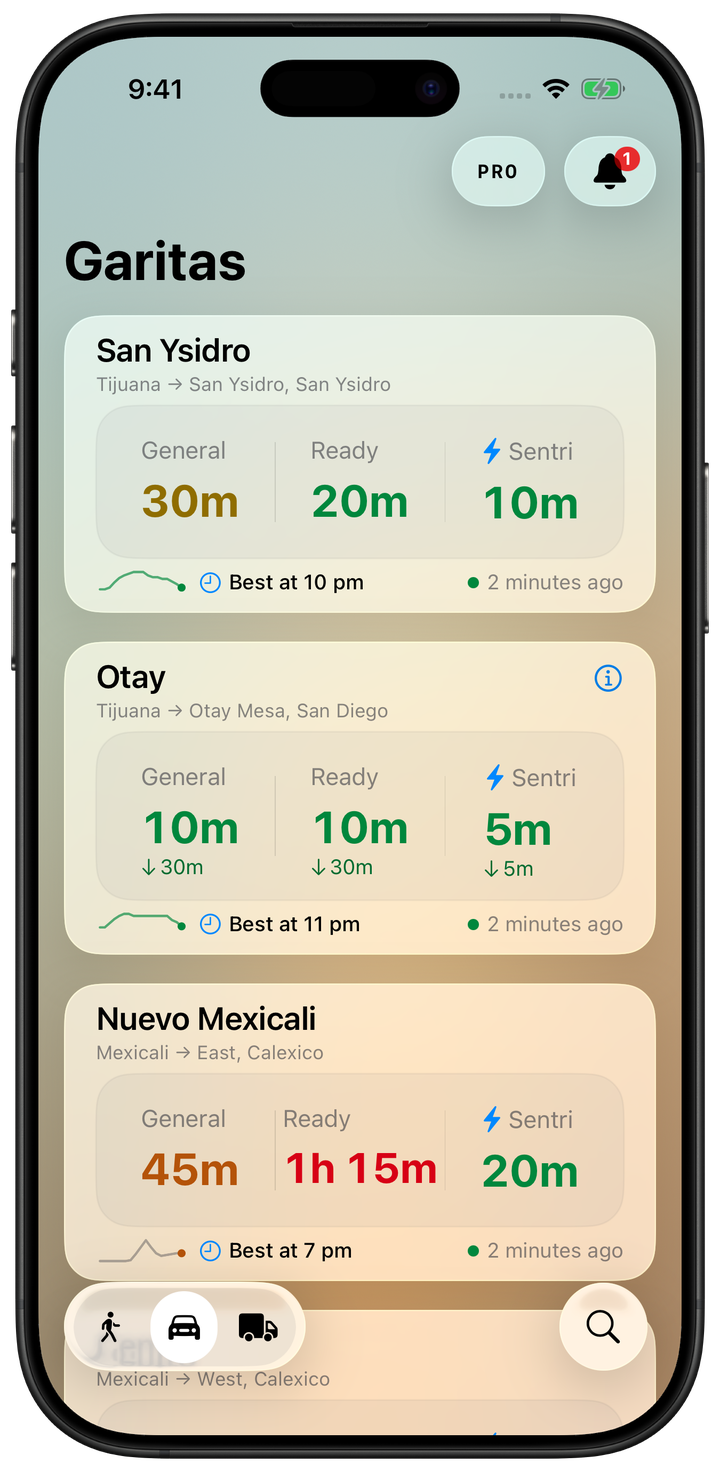
Check and compare your crossings. In your hand or from your widgets.
Discover Garitas on iPhone Duo FreeBorder wait times app for iPhone and iPad
Your favorites, lane waits and historical context to help you decide before you leave.
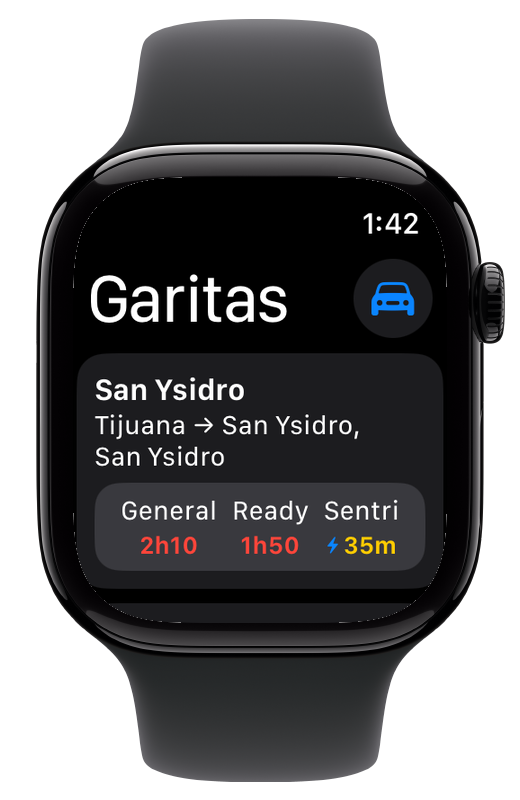
Apple Watch · Garitas Pro

App in English, Spanish and Canadian French. · No Garitas account · No ads
Save your favorites, check live waits and compare hourly stats and holiday history. Also maps, nearby crossings, Home Screen widgets, StandBy and CarPlay.
Alerts, Lock Screen widgets, Apple Watch, Siri and Shortcuts.
Optional annual subscription.
01Free
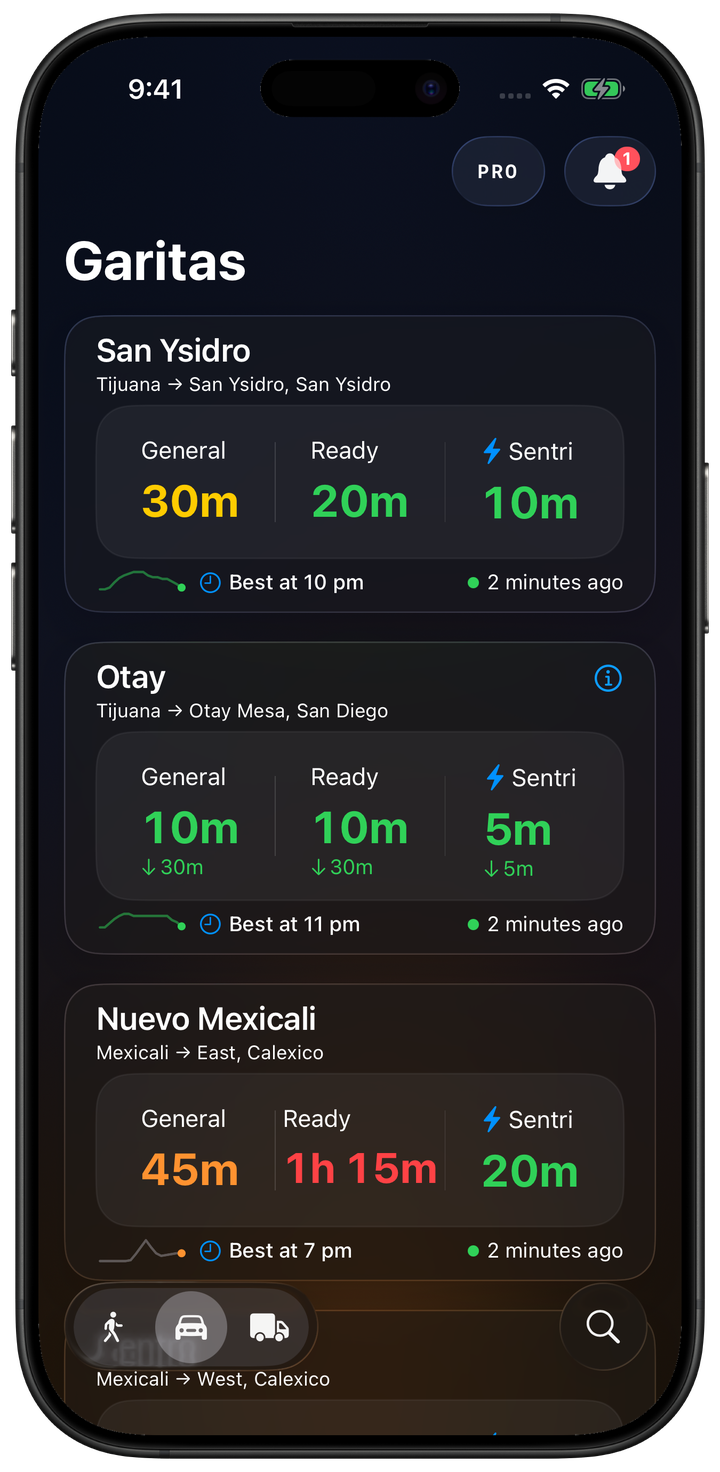
Save your favorites and check each lane’s wait at crossings in Mexico and Canada.
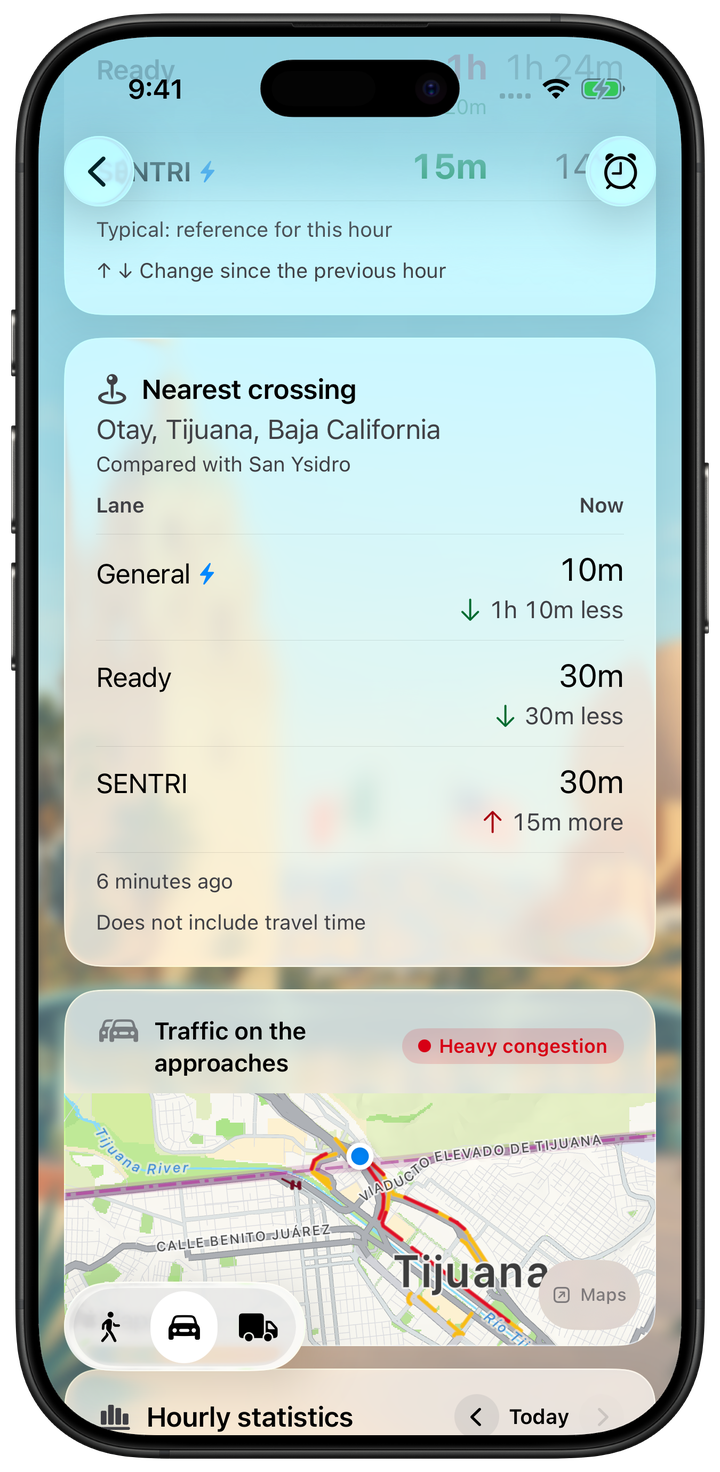
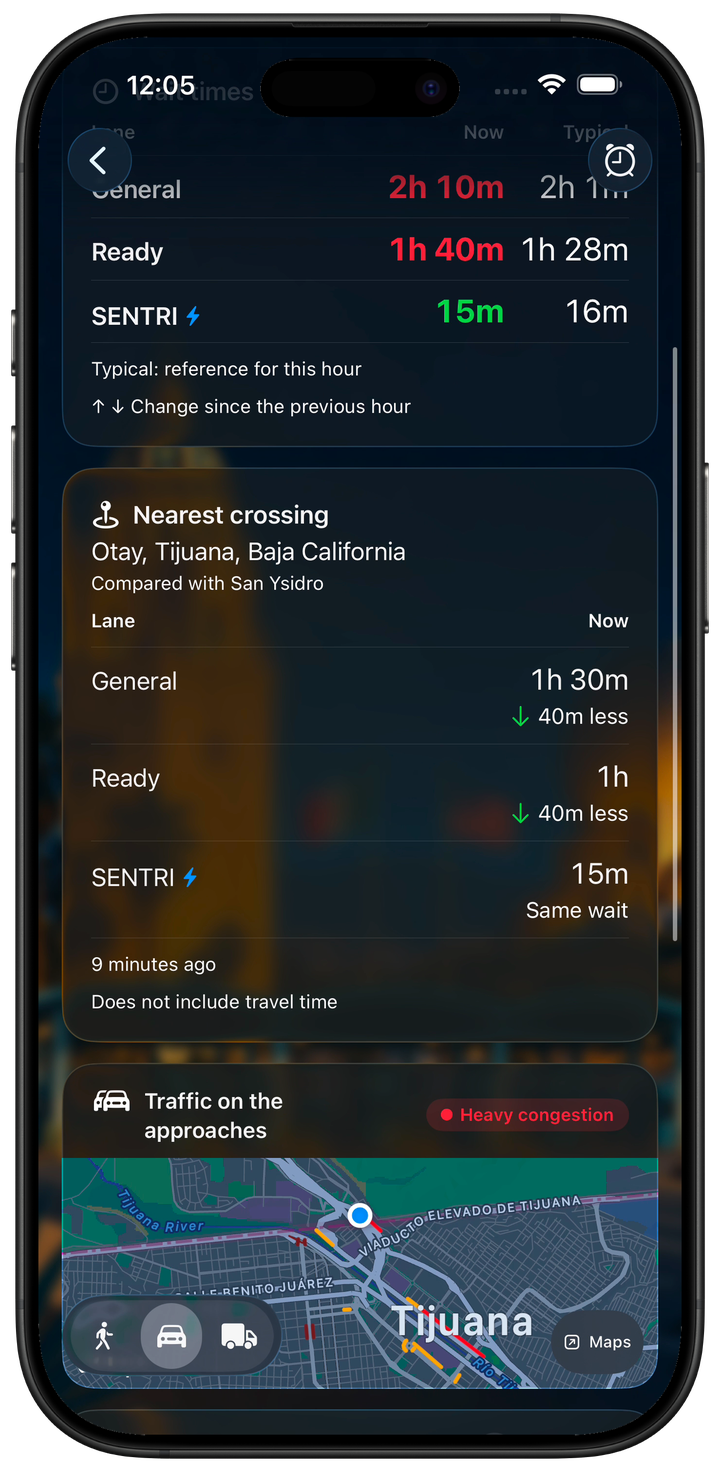
Compare with the nearest compatible crossing for passenger vehicles or pedestrians. The comparison does not include travel time.
A guide to the example screens shown here.
02Free
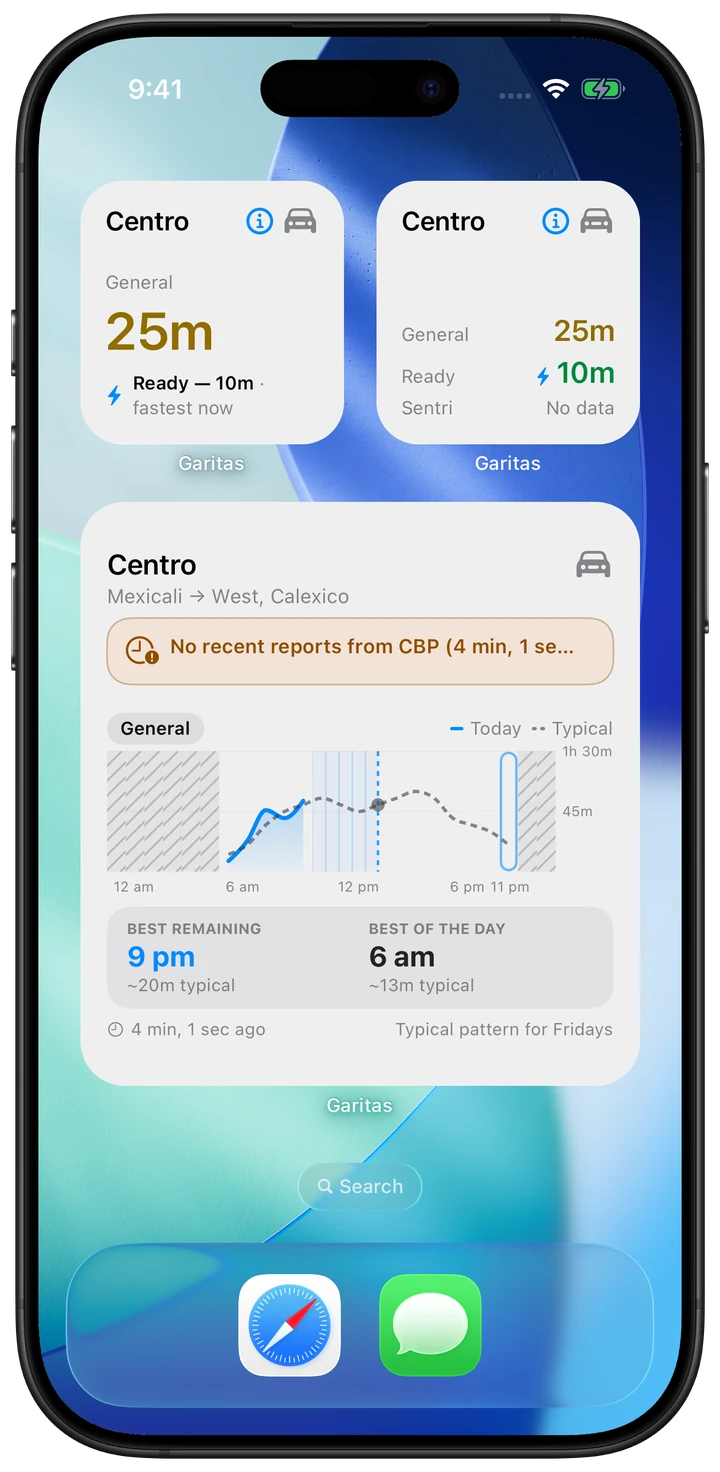
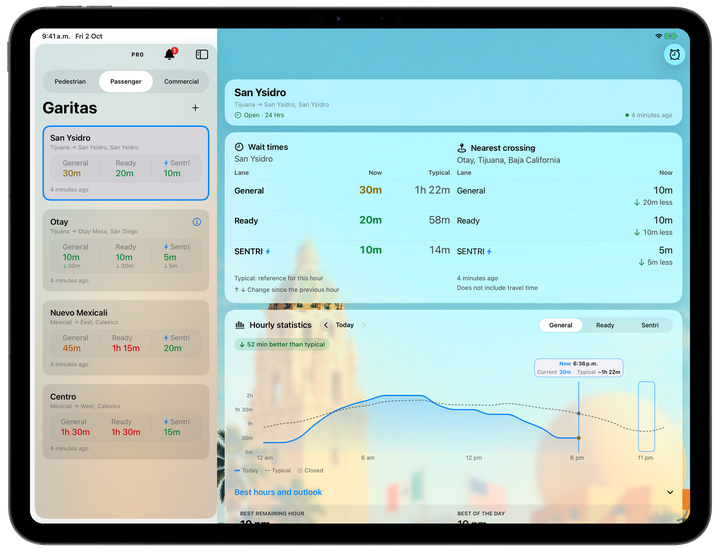
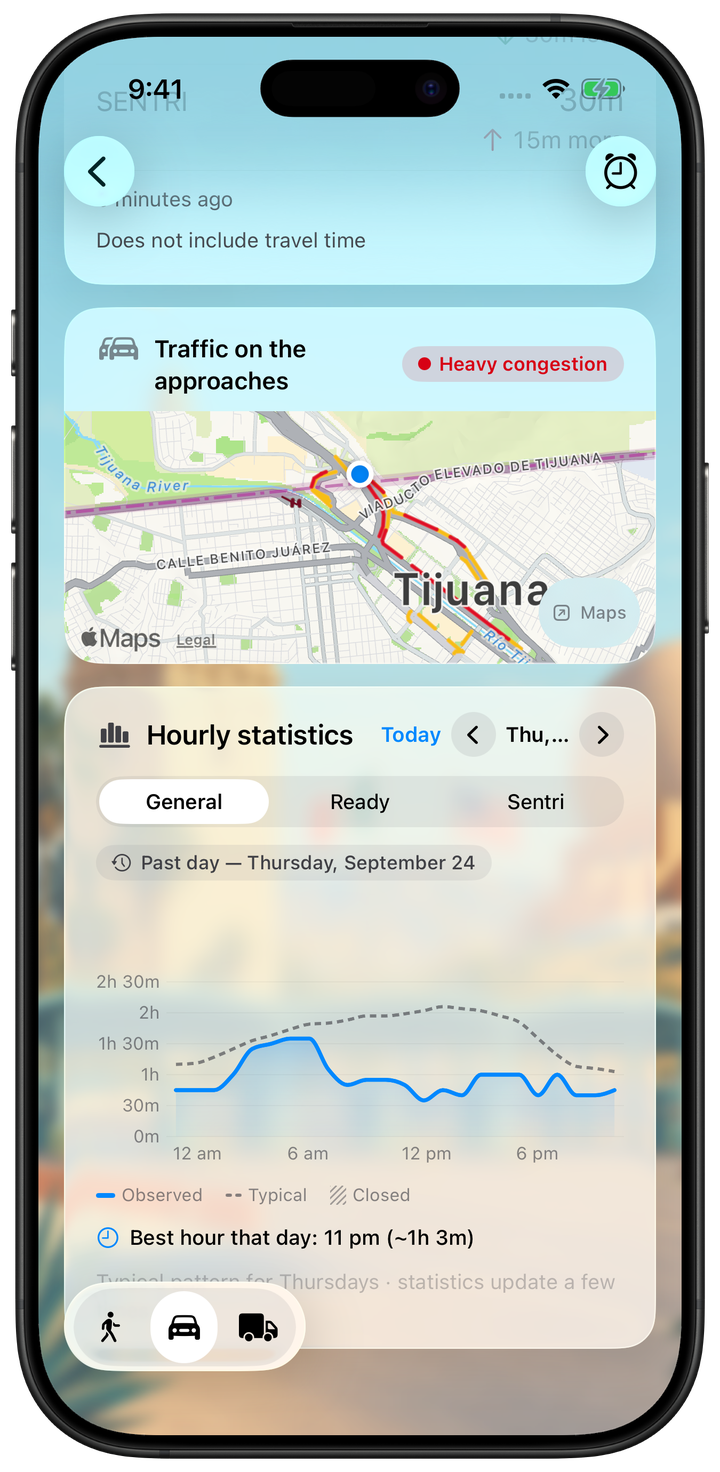
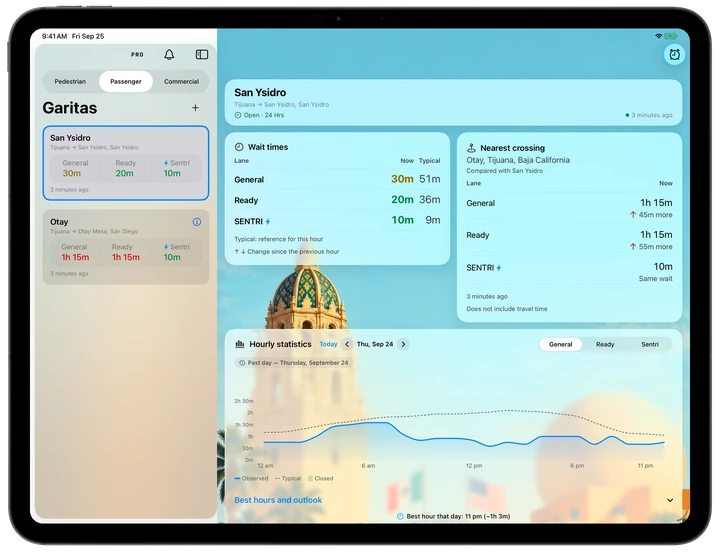
Now and Typical, side by side in a table for each lane, with the reference hour in view.
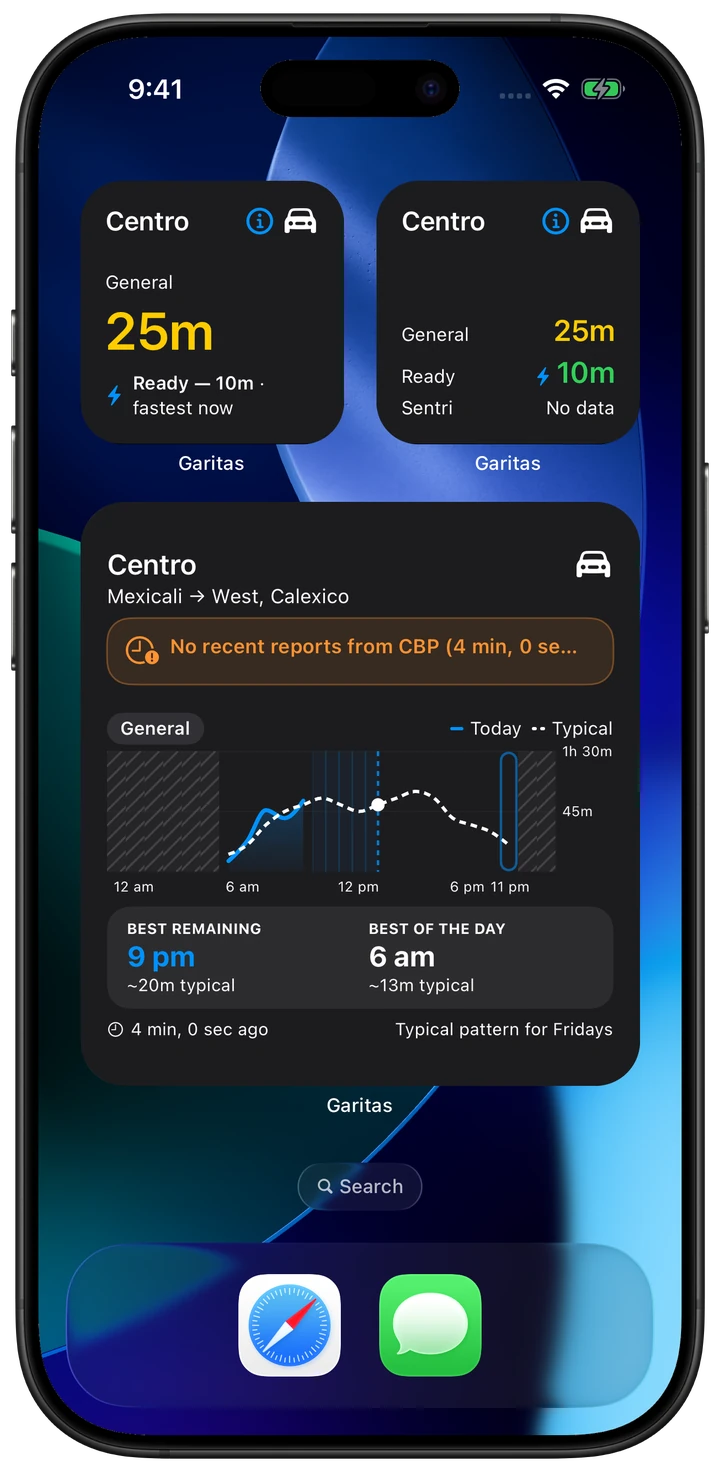
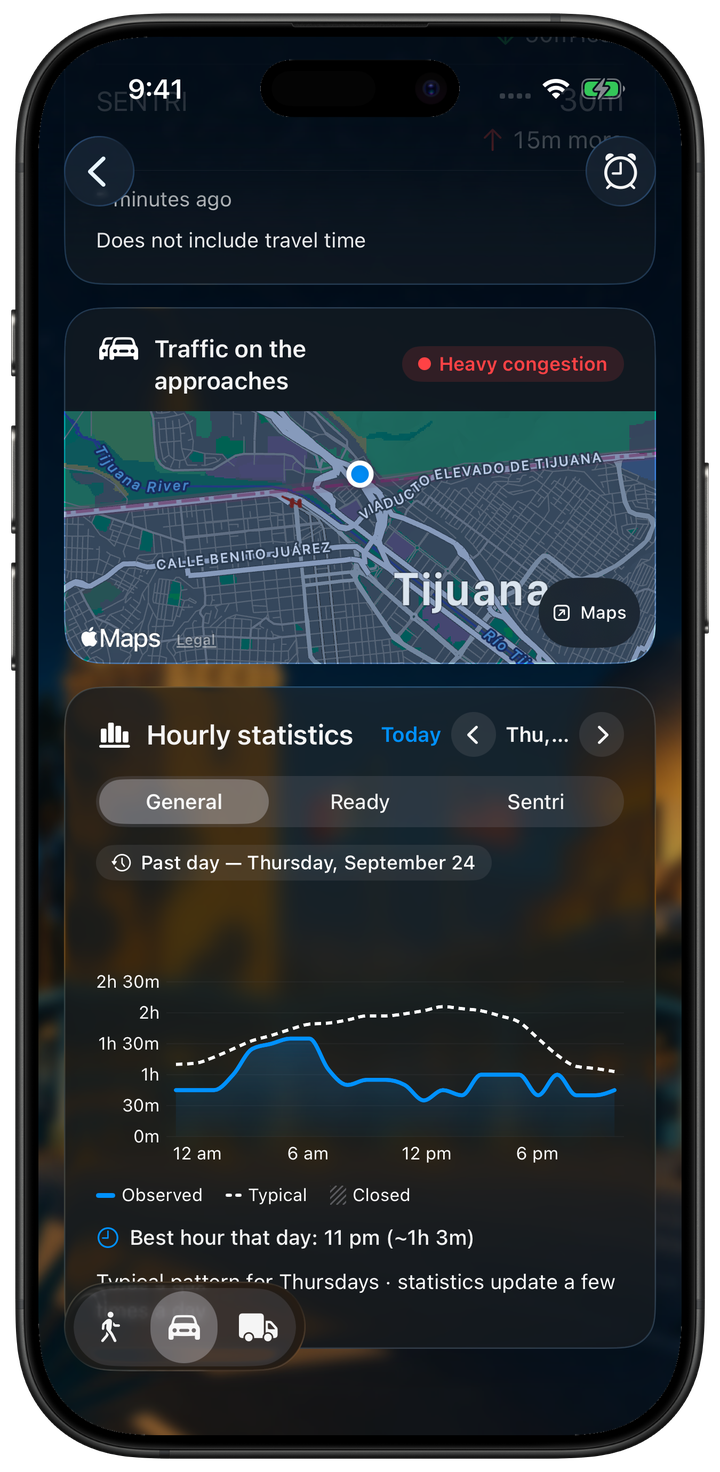
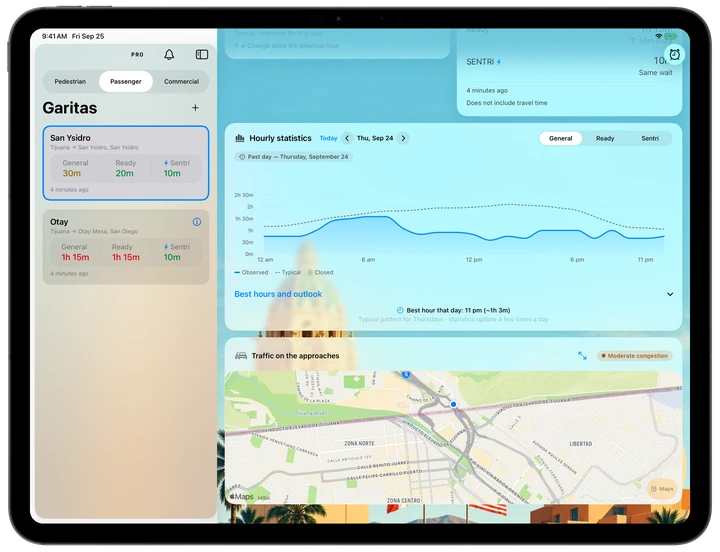
The solid curve shows observed waits. The dotted typical pattern is historical context, not a forecast or a live report.
A guide to the example screens shown here.
Mexican and U.S. holidays
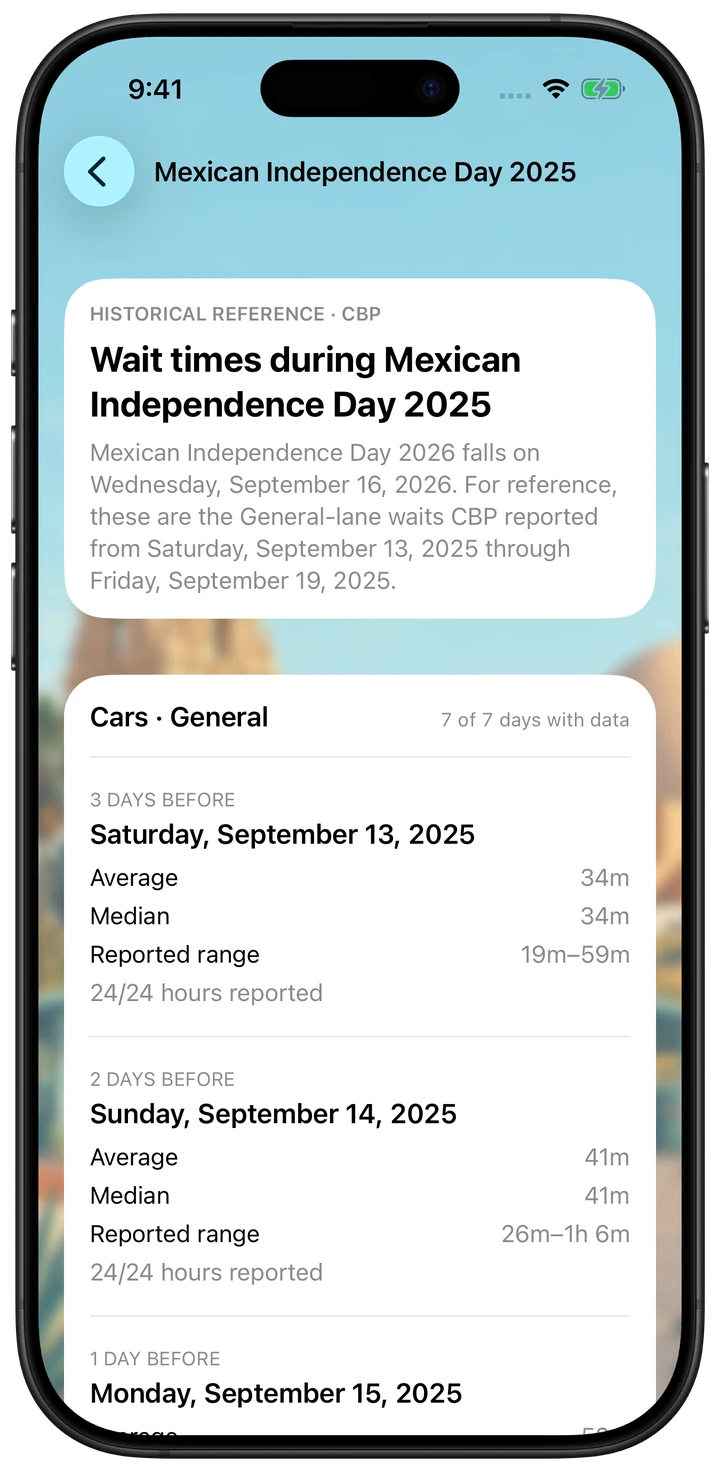
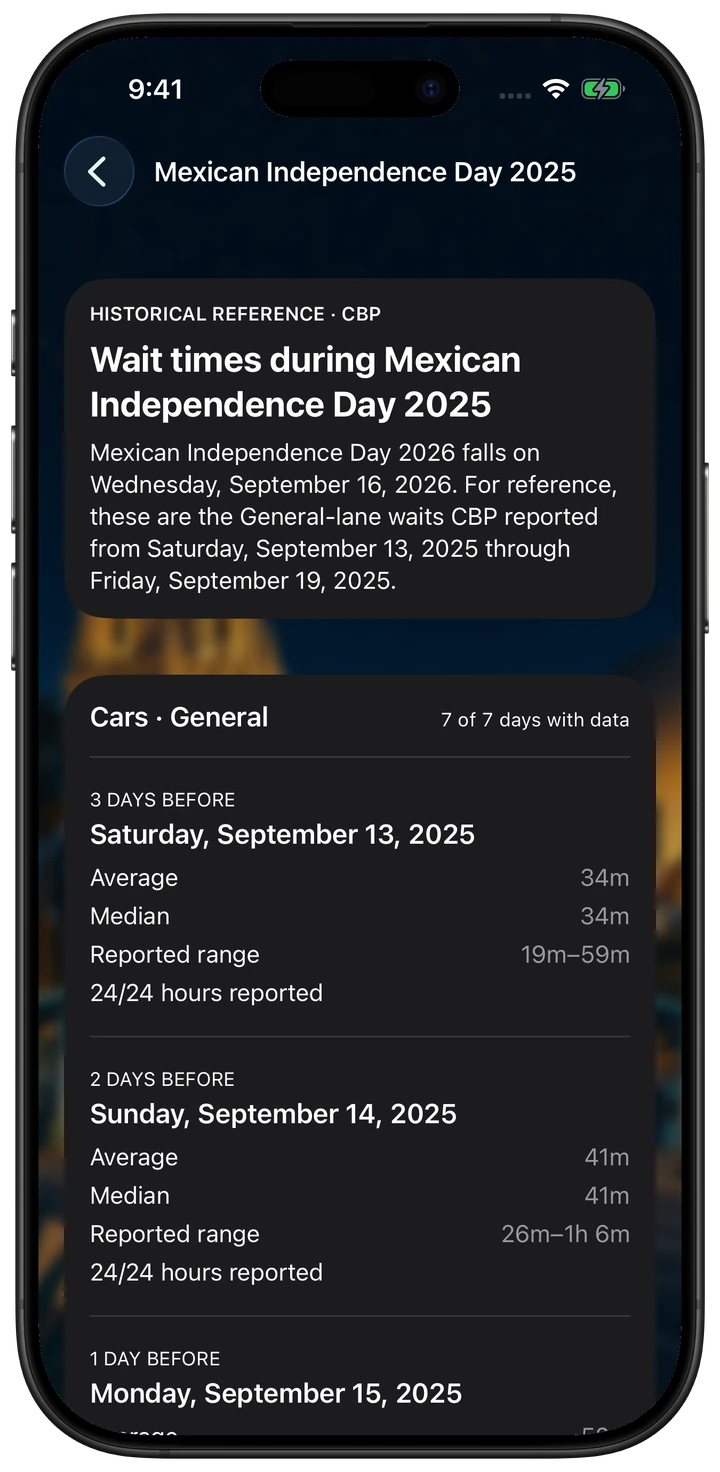
Mexican Independence Day, Holy Week, Day of the Dead and U.S. holidays. Explore the historical context available for each date.
The app identifies the holiday and reference year. Data appears only during the supported period and when records are available; it is not a forecast.
New · iPhone Duo
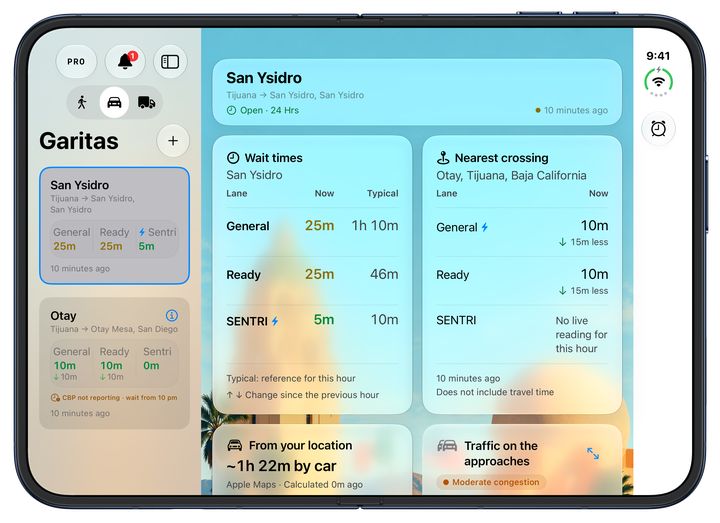
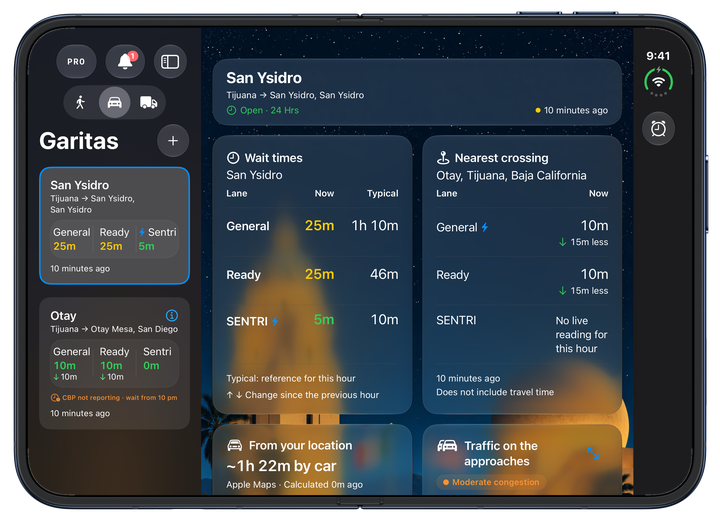
Open the display to see your favorites alongside the detail. Compare waits and the nearest crossing with room to see more.
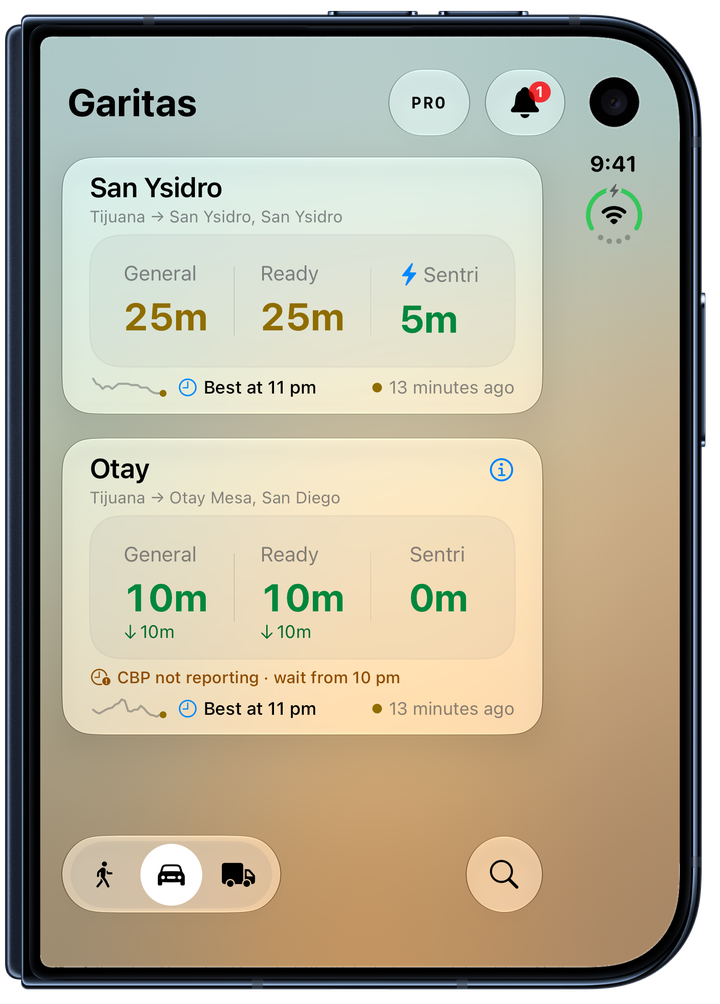
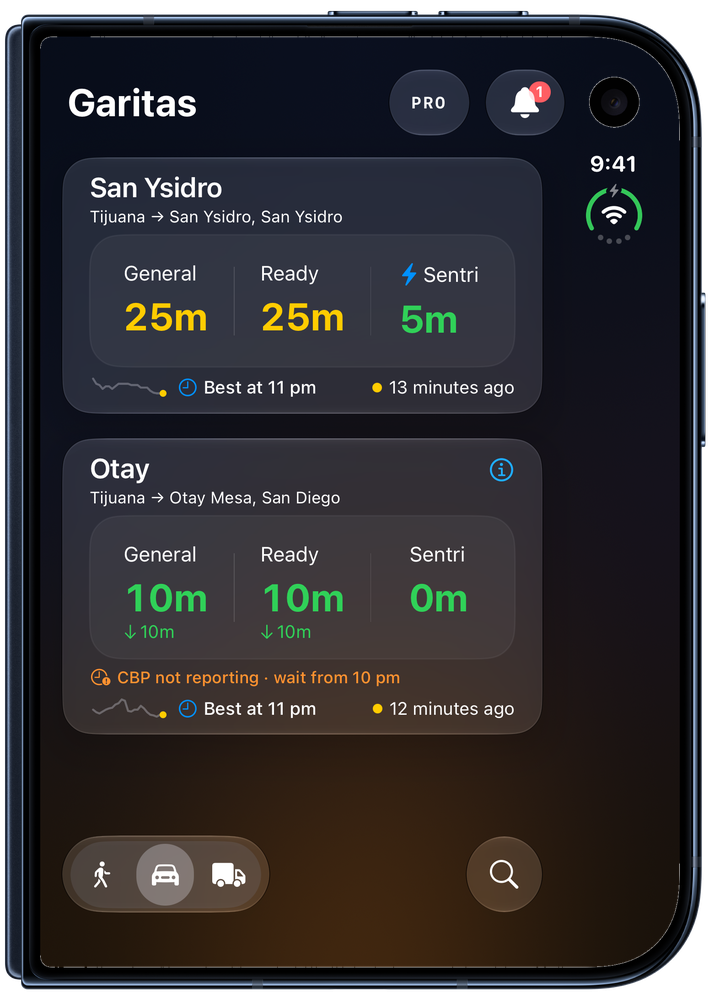
When closed, check your lanes in a compact view. Travel time and border waits are shown separately.
Example wait times and dates.
Also free · iPad
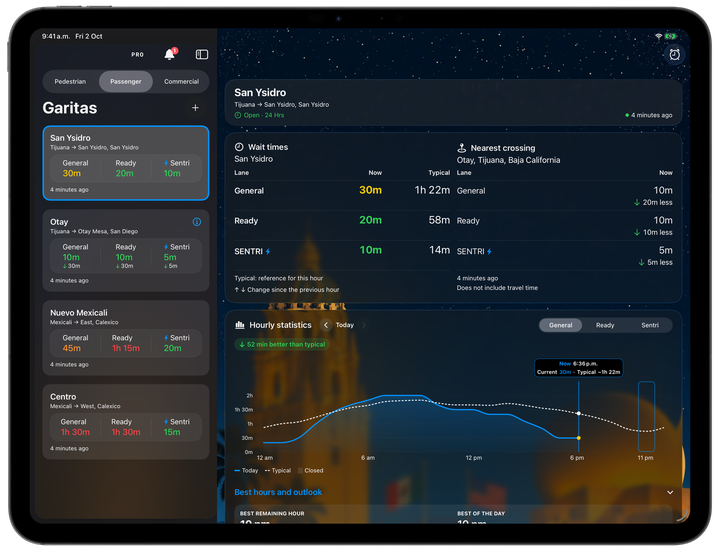
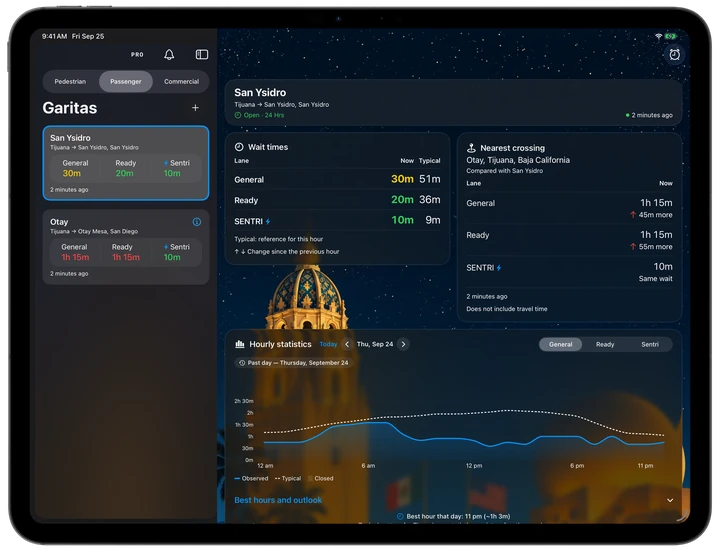
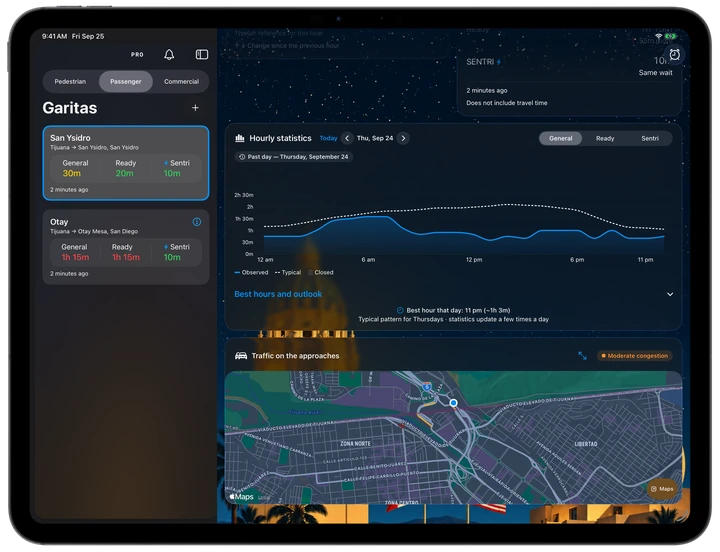
Your crossings in the sidebar. The detail, lane table and map in a wider view.
Explore hourly statistics with room to compare. The same app, adapted to a larger screen.
Apple ecosystem
Designed for the Apple devices you use every day.
Check and compare your crossings. In your hand or from your widgets.
Discover Garitas on iPhone Duo Free
Favorites, maps and statistics. With more room to see it all.
Free
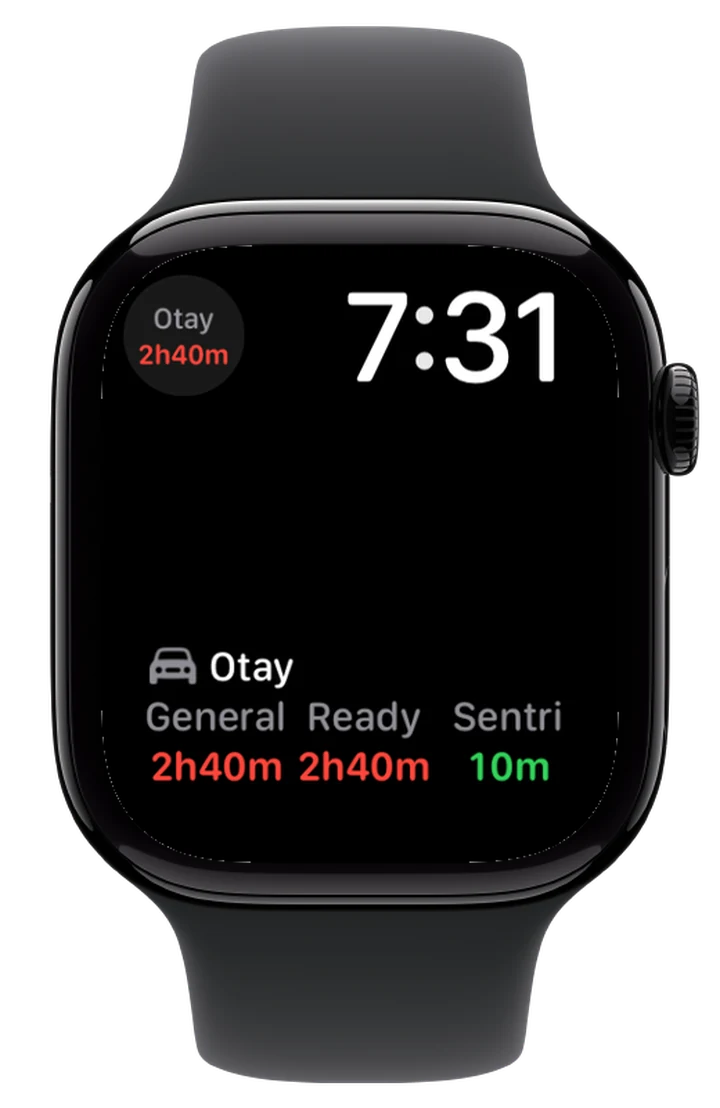
The wait on your wrist. In the app, complications and Smart Stack.
Garitas Pro
Open the iPad app on your Mac with Apple silicon, too.
Compatible with macOSMac with M1 chip or newer and macOS 26+. Available features vary by device.
03Free
Home Screen widgets, StandBy and CarPlay. All free, too.
Free
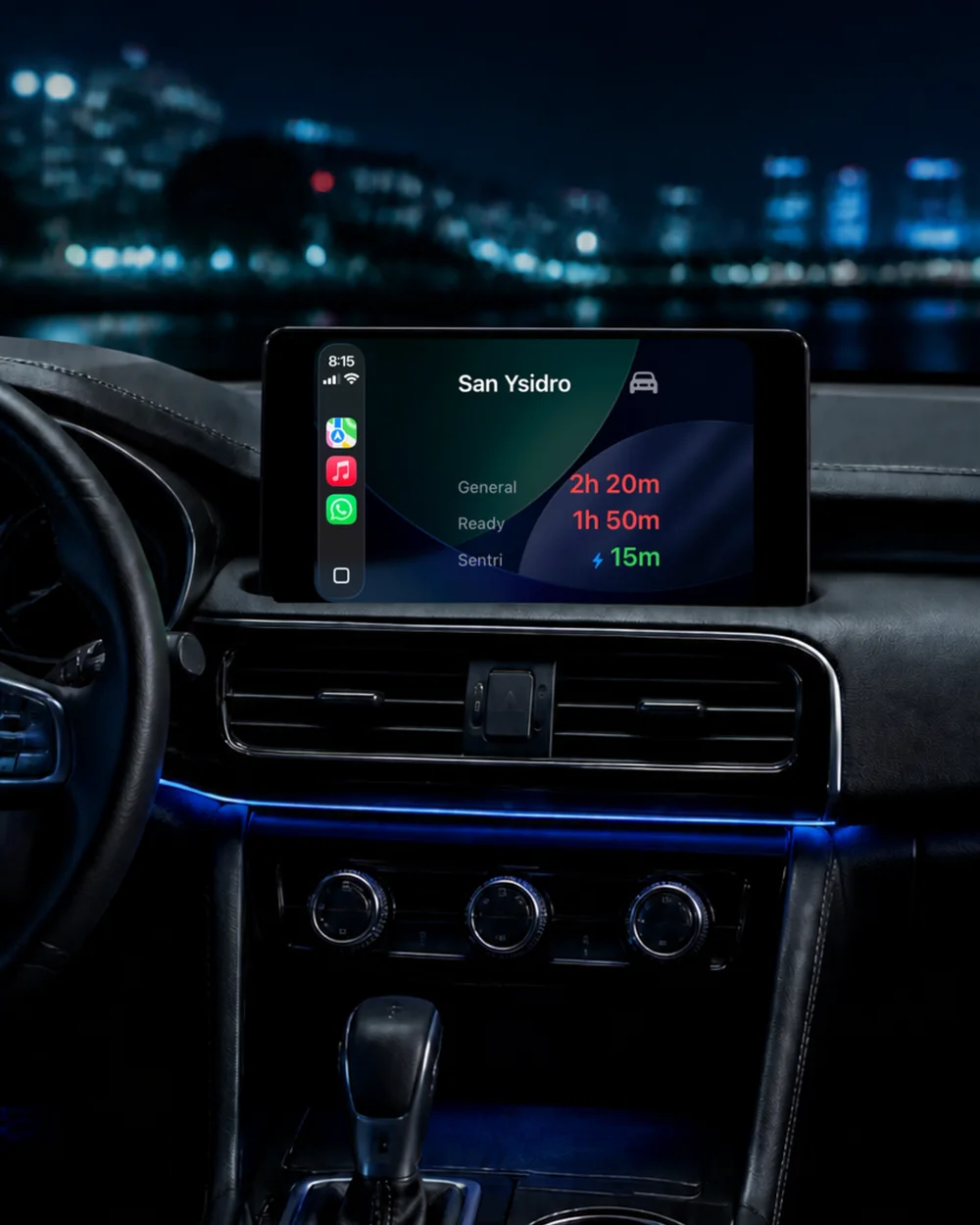
Check your crossing's wait times on your car's CarPlay display.
Free
Check your lanes and statistics from your iPhone Home Screen.
Free
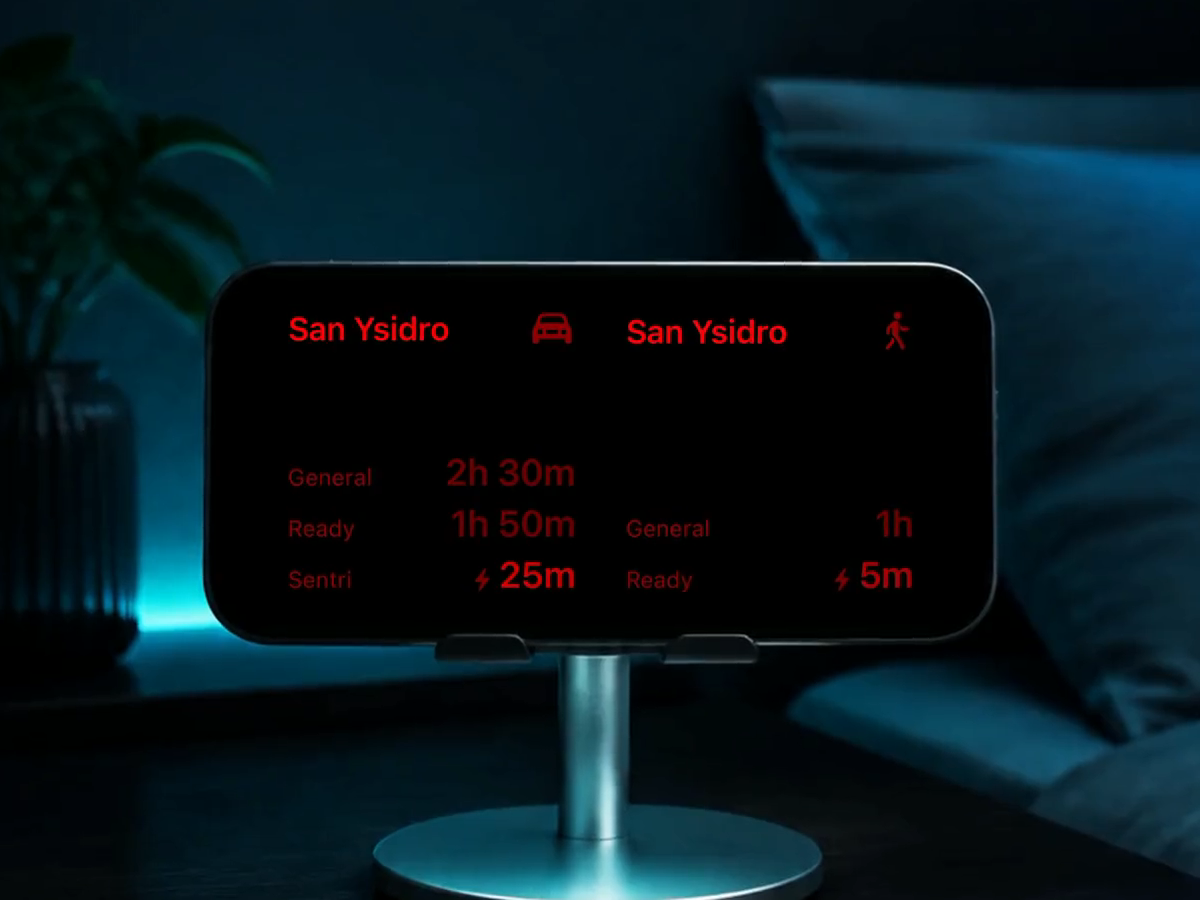
Keep wait times in sight with your iPhone horizontal on its stand.

Free
See Garitas in StandBy Night Mode, with information displayed in red.
1 / 4
Example wait times and dates.
Garitas Pro
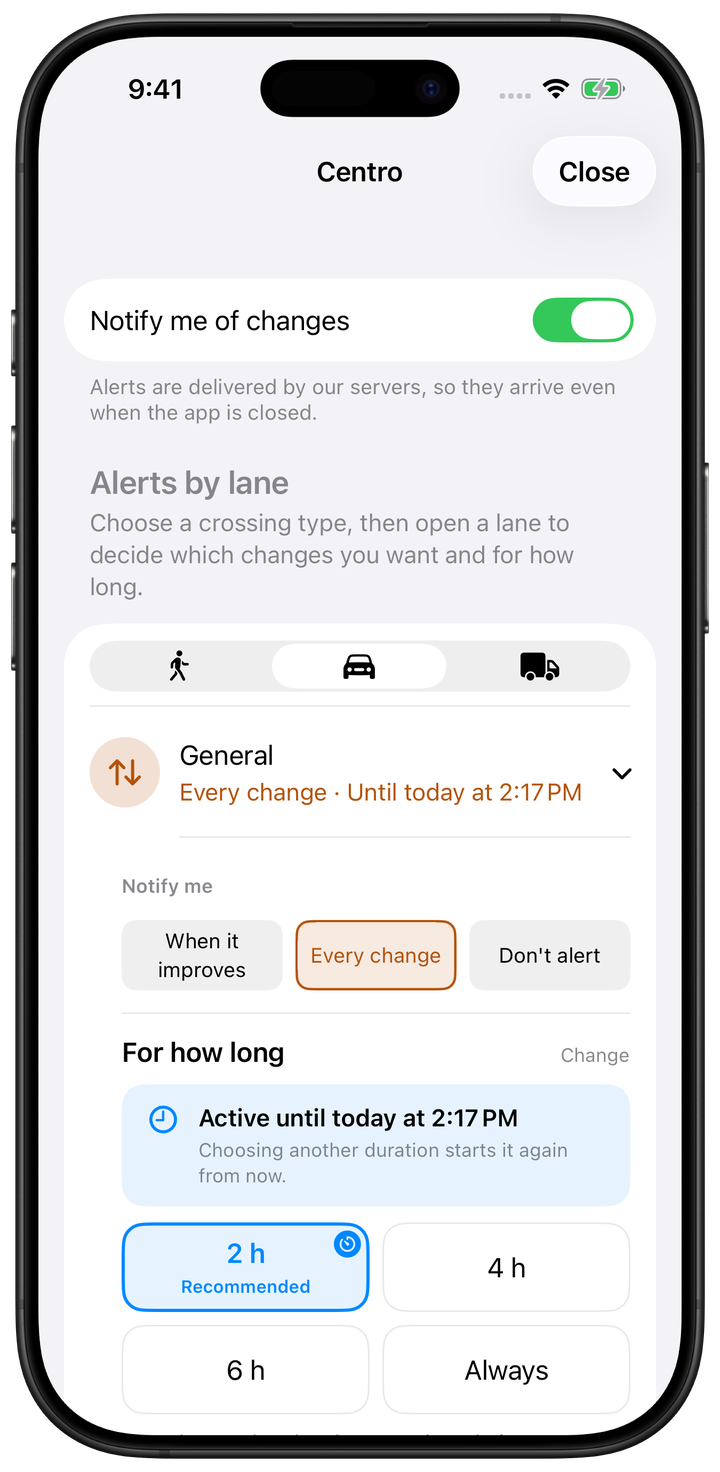
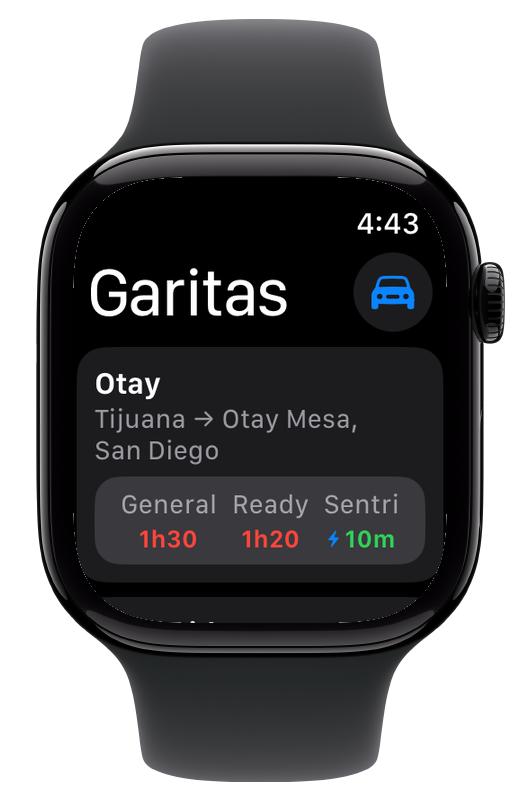
Set alerts for your crossing and lane. Also check your crossing from your wrist or with Siri.
 Alerts
 Lock Screen
Apple Watch
Lock Screen
Apple Watch
 Siri
Siri
 Shortcuts
Everything free, plus alerts, Lock Screen widgets, Apple Watch, Siri and Shortcuts.
Optional annual subscription. Activate Pro inside the app.
Download freeAlerts
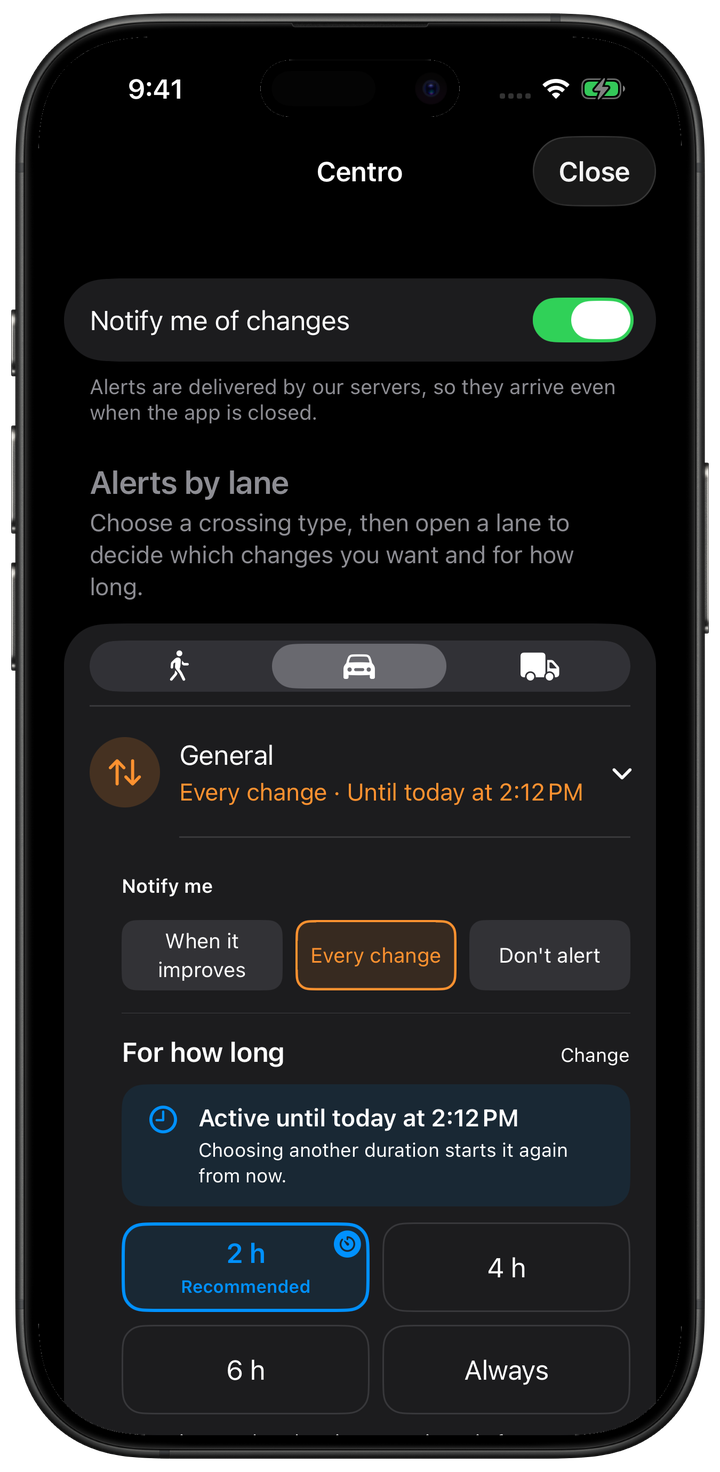
Choose your crossing and lane. Get every change or only improvements.
Lock Screen
Your port and lane without opening the app.
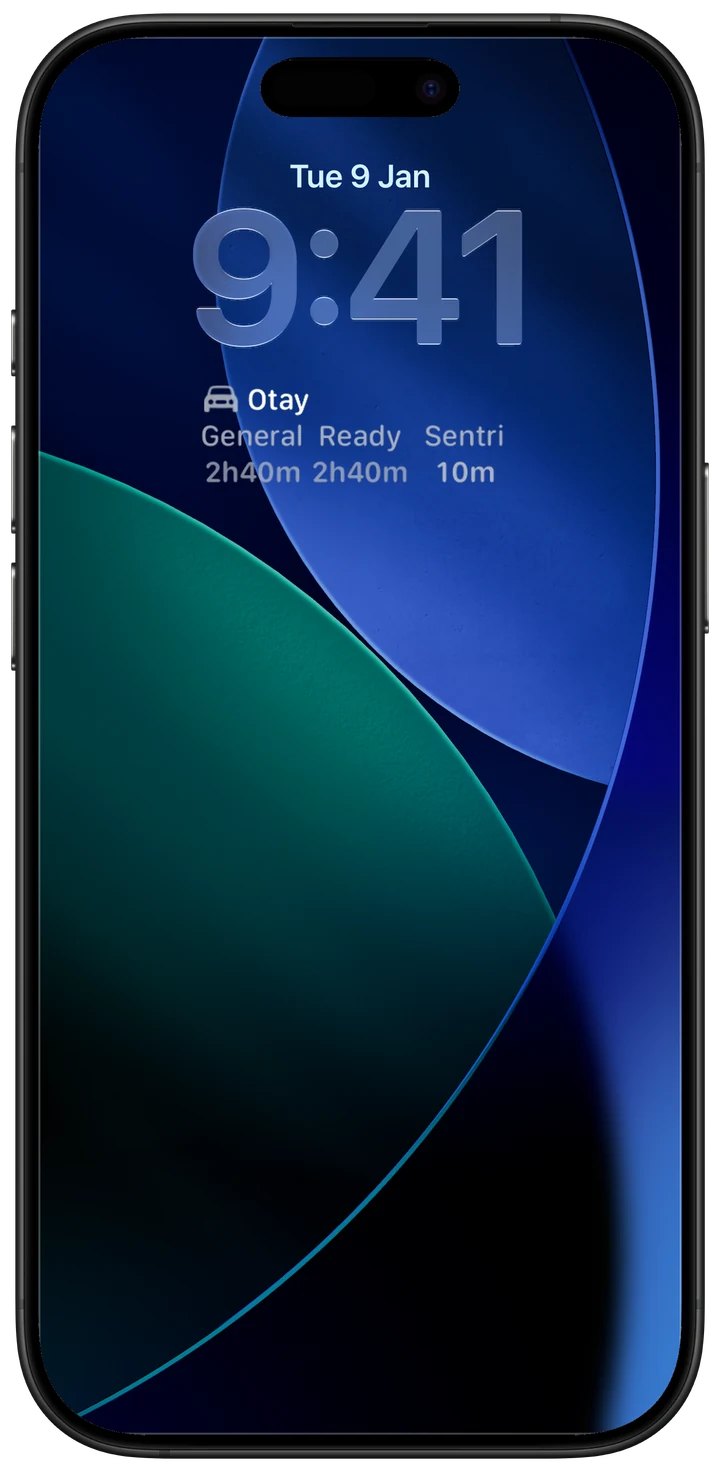
Apple Watch
Check your crossing from your wrist. Includes complications and Smart Stack.
Siri and Shortcuts
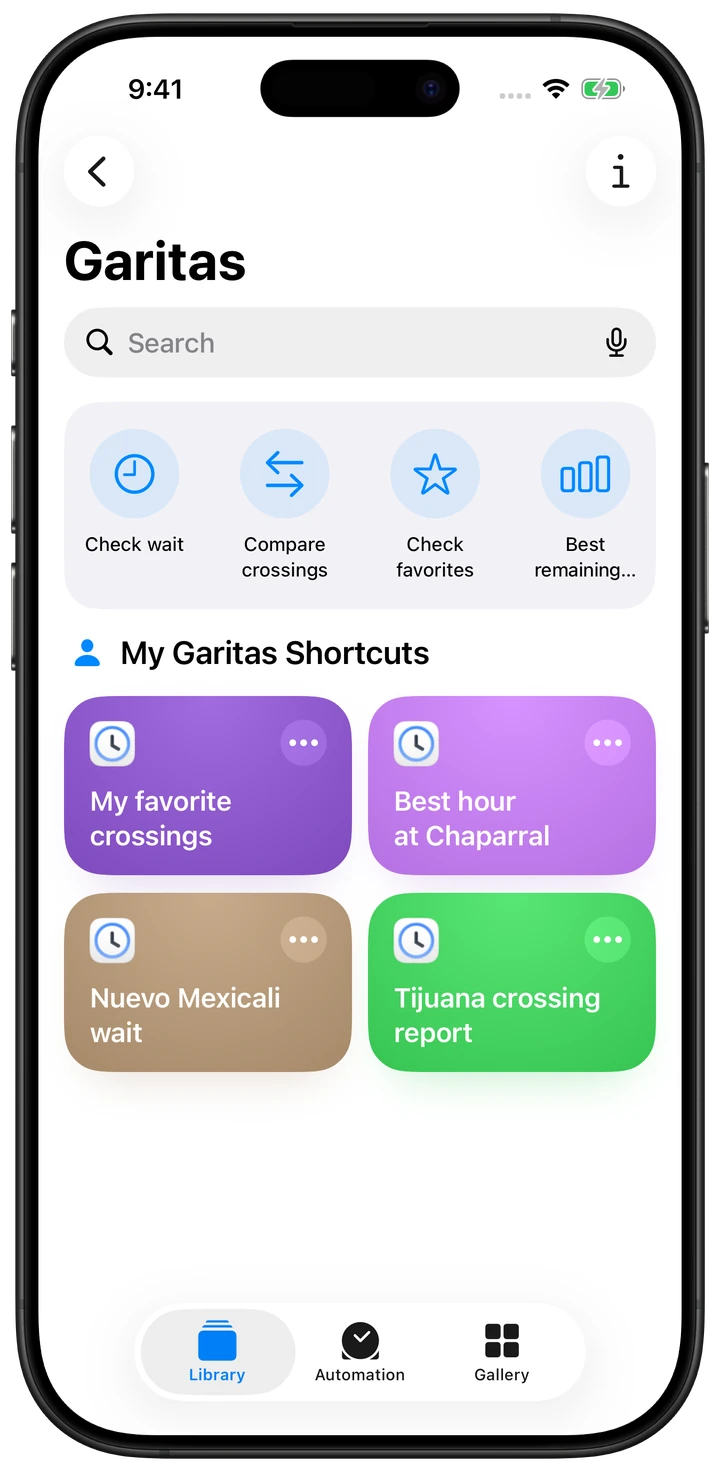
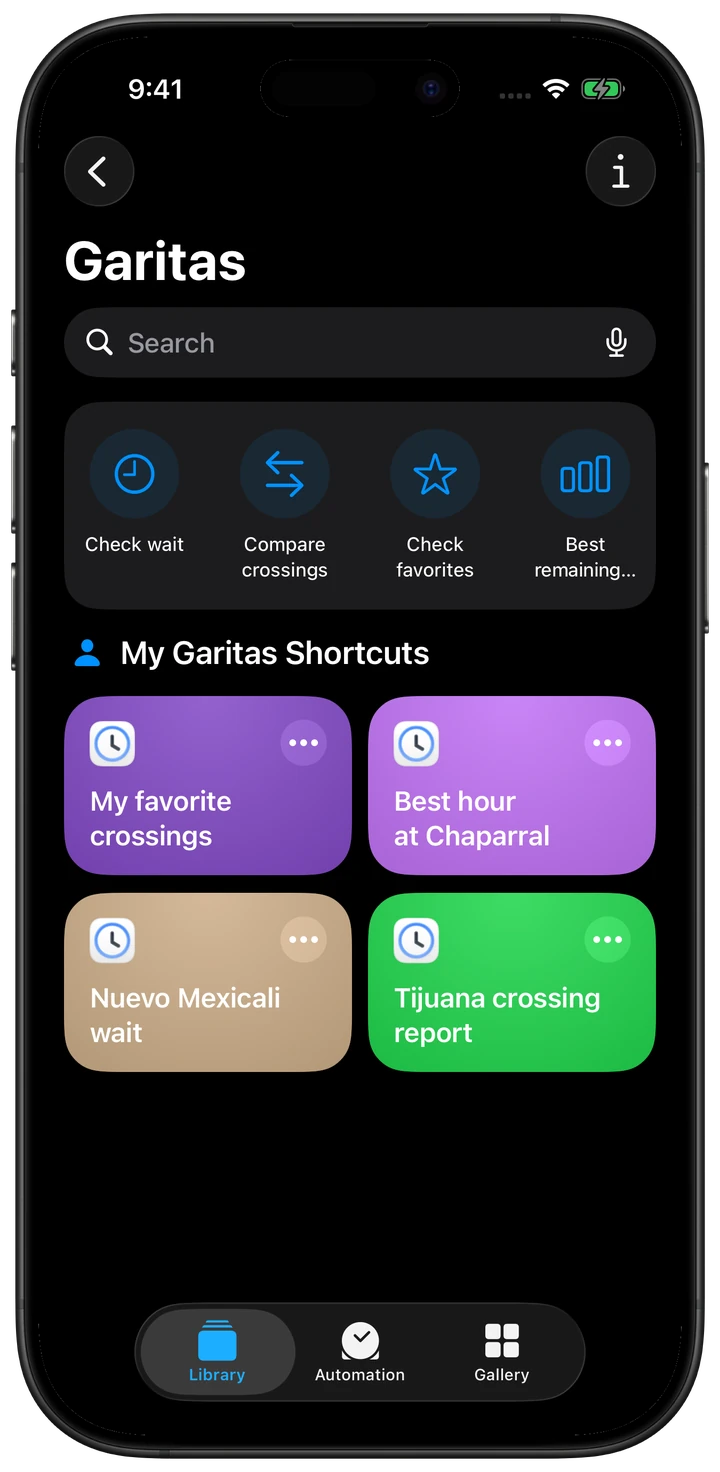
Check waits, compare crossings or find the best remaining hour. With Siri, too.
1 / 4

Privacy in the app
No ads, advertising tracking or selling your data. Service records help us deliver your alerts and understand how Garitas is used.
Technical records are linked to an app installation and used for delivery, diagnostics and aggregate product metrics. The apps include no analytics SDK. Google Analytics is used only on the website.
Activate Pro inside the app.
No Garitas account · No ads